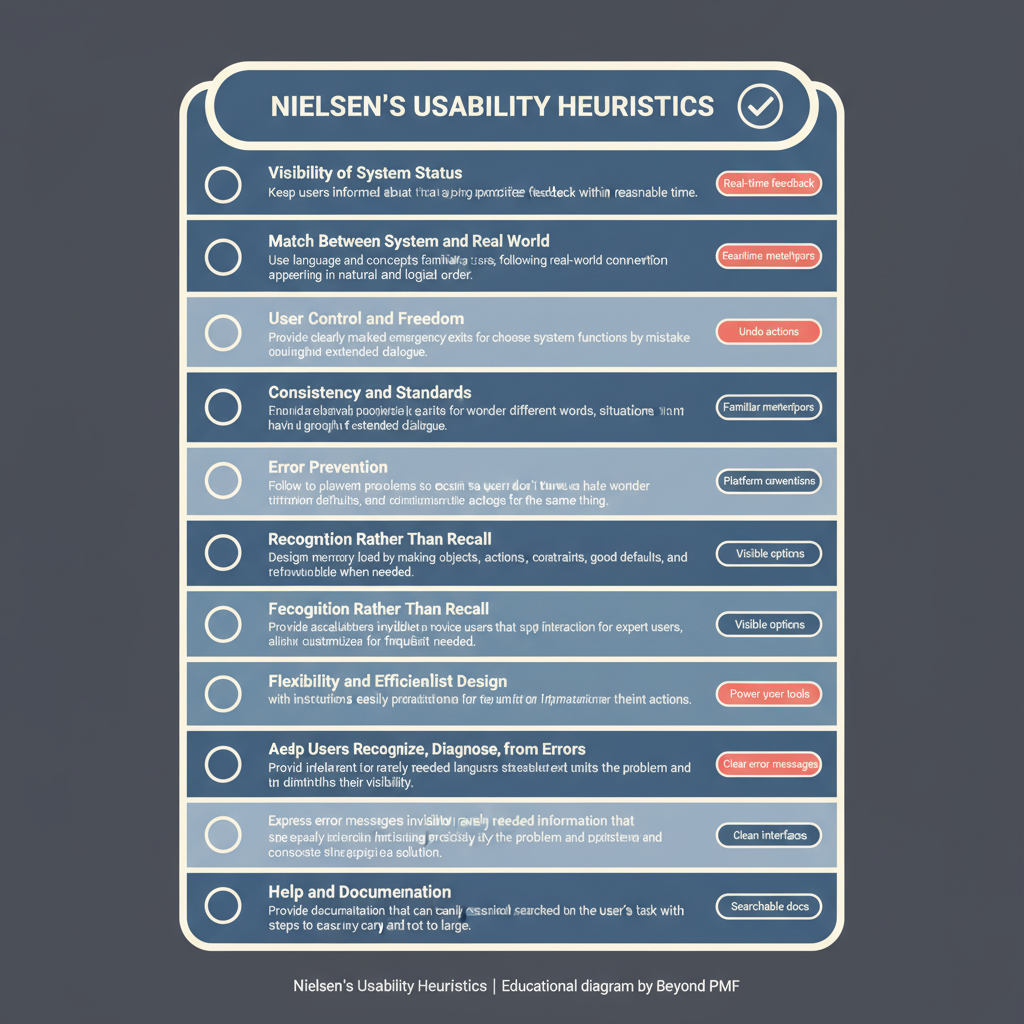
Nielsen's Usability Heuristics

https://ik.imagekit.io/beyondpmf/frameworks/nielsens-usability-heuristics.png
Nielsen's Usability Heuristics directly address customer experience issues by providing guidelines for designing user-friendly interfaces. They aim to reduce technical friction and improve the quality of the product delivered to the end-user.

Nielsen's Usability Heuristics, developed by Jakob Nielsen, are a foundational set of guidelines used to evaluate and enhance user interface design. These principles focus on making software interfaces more intuitive, efficient, and user-friendly. The framework is widely adopted due to its simplicity and effectiveness in identifying common usability issues, making it an essential tool in user experience (UX) design.

Steps / Detailed Description

  • Visibility of system status: Keep users informed about what is going on through appropriate feedback within a reasonable time.
  • Match between system and the real world: Speak the users' language with words, phrases, and concepts familiar to the user.
  • User control and freedom: Users often perform actions by mistake. Provide a clearly marked 'emergency exit' to leave the unwanted action without having to go through an extended process.
  • Consistency and standards: Users should not have to wonder whether different words, situations, or actions mean the same thing. Follow platform and industry conventions.
  • Error prevention: Design the system so that users cannot make serious errors, or at least confirm them before they commit to the action.
  • Recognition rather than recall: Minimize the user's memory load by making objects, actions, and options visible.
  • Flexibility and efficiency of use: Allow users to tailor frequent actions.
  • Aesthetic and minimalist design: Interfaces should not contain information which is irrelevant or rarely needed.
  • Help users recognize, diagnose, and recover from errors: Error messages should be expressed in plain language, precisely indicate the problem, and constructively suggest a solution.
  • Help and documentation: Even though it is better if the system can be used without documentation, it may be necessary to provide help and documentation.

Best Practices

  • Regularly refer to the heuristics during the design phase
  • Use the heuristics as a checklist in usability evaluations
  • Combine with other usability testing methods for comprehensive results

Pros

  • Improves user satisfaction
  • Increases usability and accessibility
  • Reduces development time by identifying issues early

Cons

  • May not cover all aspects of user experience
  • Can be subjective in interpretation
  • Might not address specific needs of complex applications

When to Use

  • Early stages of product design
  • Usability testing and evaluation

When Not to Use

  • In-depth user research
  • Detailed interface customization for expert users

Related Frameworks

Categories

Lifecycle

Not tied to a specific lifecycle stage

Scope

Maturity Level

Time to Implement

Less Than 1 Day

Copyright Information

Autor:
Jakob Nielsen
1994
Publication:
Nielsen Norman Group