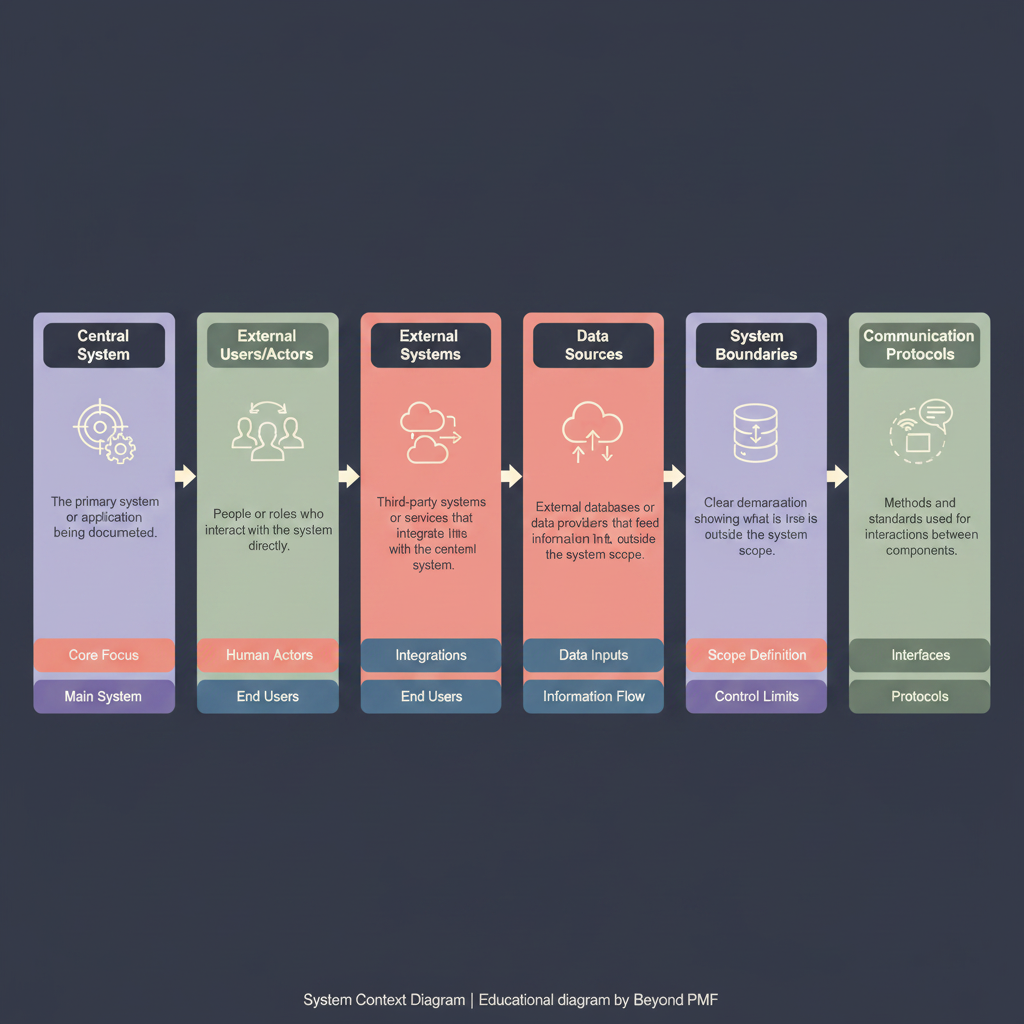
A System Context Diagram is a high-level diagram that defines the boundaries between a system and its environment, showing the entities that interact with it. This diagram is crucial for understanding system interfaces and flows without detailing internal processes. It helps stakeholders understand system interactions and dependencies in a straightforward visual format, aiding in better system design and integration.
Identify the system boundary: Define what is considered part of the system and what lies outside its scope. | List external entities: Identify all external entities that interact with the system, such as users, external systems, and data sources. | Define interactions: Map out the interactions between the system and the external entities, including data flow and control signals. | Draw the diagram: Use symbols like rectangles for entities and arrows for interactions to create the diagram. | Review and refine: Validate the diagram with stakeholders and refine as necessary to ensure accuracy and completeness.
Keep the diagram simple and focused on key entities and interactions | Regularly update the diagram as the system evolves | Use standardized symbols and notation for clarity
Provides clear visualization of system boundaries and interfaces | Facilitates communication among stakeholders | Simplifies complex system interactions into understandable formats
Lacks detail on internal system processes | Can become cluttered if too many entities are involved | May oversimplify complex interactions
During the initial stages of system design | When explaining the system to new stakeholders
For detailed internal system design | When a high level of detail is necessary for understanding specific processes