C4 Model

https://ik.imagekit.io/beyondpmf/frameworks/c4-model.png
The C4 Model primarily addresses the friction of communication and understanding in software architecture. By providing a clear and visual framework, it improves coordination and reduces misunderstandings among different stakeholders involved in the software development process.

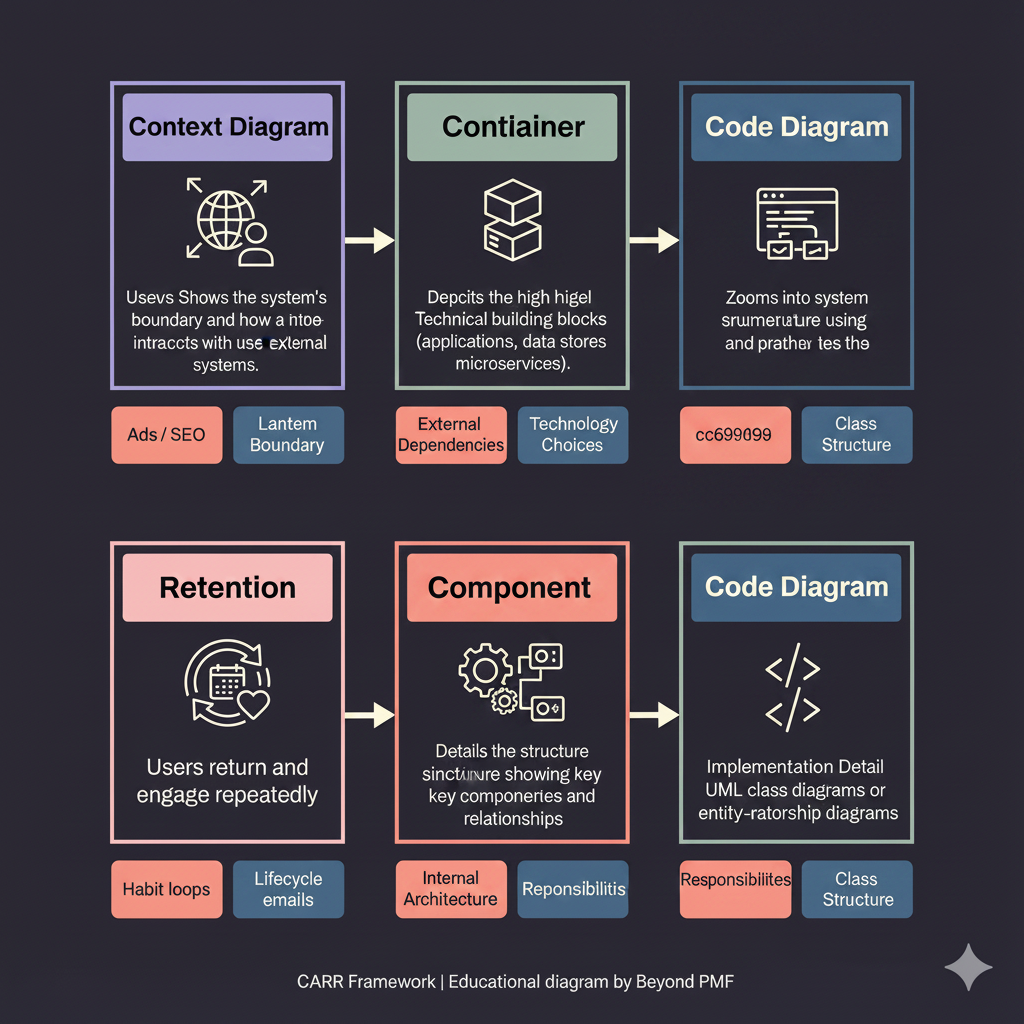
The C4 Model is a framework designed to help software development teams visualize and document software architecture. It stands for Context, Containers, Components, and Code, which represent different levels of abstraction. Each level addresses a specific set of concerns, making it easier to communicate the architecture to both technical and non-technical stakeholders. The model is widely appreciated for its clarity and ability to break down complex software designs into manageable and understandable pieces.

Steps / Detailed Description

  • Create a Context diagram to outline the system's interactions with users and other systems.
  • Develop a Container diagram to show the high-level technology choices and how the system is segmented.
  • Construct a Component diagram to detail the internal structure of the containers.
  • Define a Code diagram to delve into the implementation details of individual components.

Best Practices

  • Regularly update diagrams to reflect changes in the system
  • Use tools that support the C4 Model to streamline the creation and maintenance of diagrams
  • Involve stakeholders from both technical and non-technical backgrounds in the review process

Pros

  • Improves communication across technical and non-technical stakeholders
  • Provides a clear and structured approach to documenting software architecture
  • Facilitates better understanding and maintenance of the system

Cons

  • Can be time-consuming to create detailed diagrams for large systems
  • May require tooling or skills not readily available in all teams
  • Risk of diagrams becoming outdated if not maintained alongside changes

When to Use

  • When starting a new software development project
  • When taking over an existing project to better understand its architecture

When Not to Use

  • For very small or simple projects where the overhead may not be justified
  • In fast-paced environments where architecture evolves frequently

Related Frameworks

Lifecycle

Not tied to a specific lifecycle stage

Scope

Maturity Level

Time to Implement

1–2 Weeks

Copyright Information

Autor:
Simon Brown
2011
Publication:
simonbrown.je